Device check
Review your exact model and connection.


Dailivu / S2 Pro
A favorite film. A game you keep coming back to. A moment at the end of a busy day that belongs to you.
At Dailivu, we believe personal entertainment should feel personal. Discover S2 Pro, check your device, and find the setup that fits your downtime.
Explore S2 Pro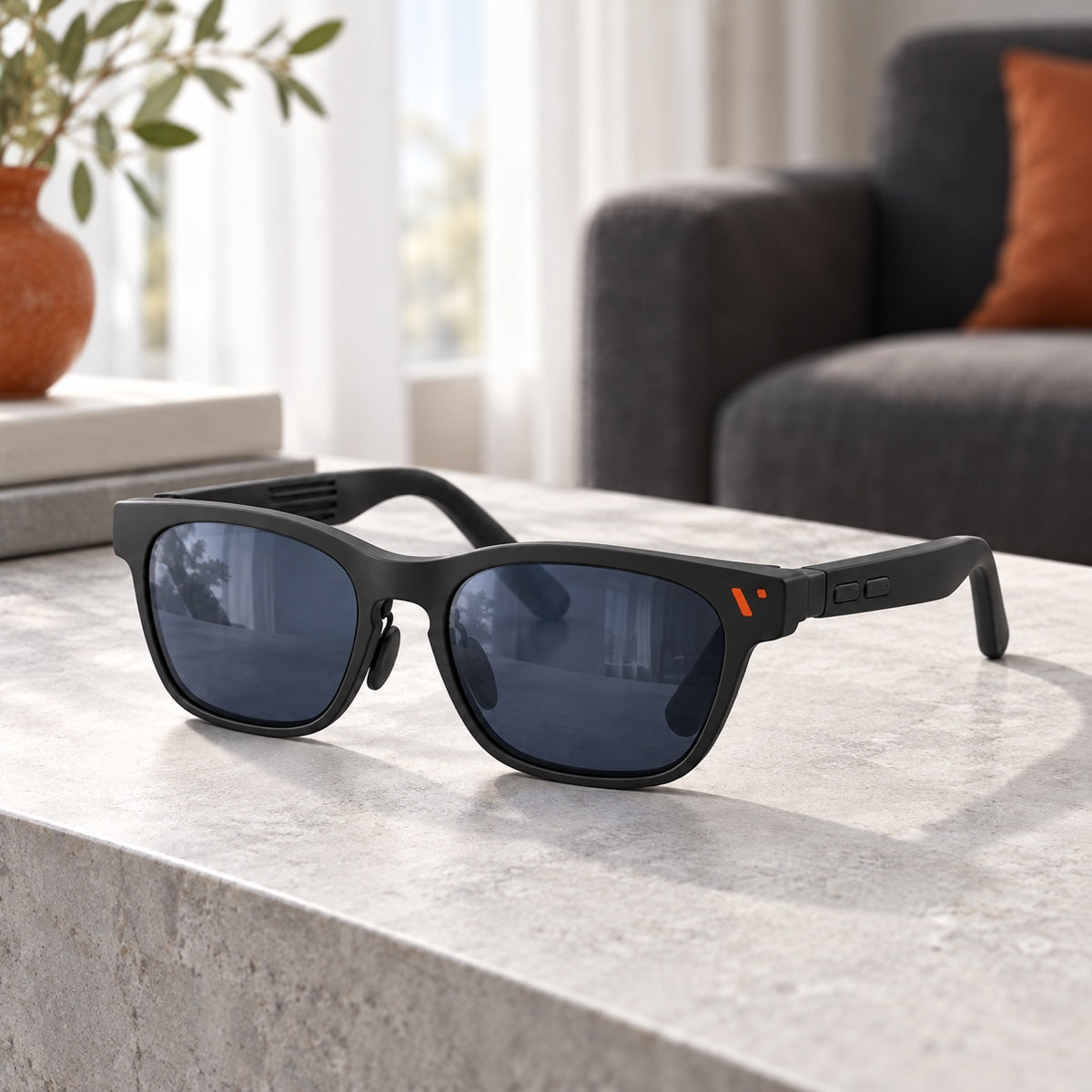
A different way to unwind
Your watchlist. Your next game. Your time.
Make a little space for what you enjoy.
A considered start
Before your first view
A few useful things to check before you choose your S2 Pro.
Start with your exact device model, its video-output capabilities, and any accessories your setup may need. Review the compatibility information on the S2 Pro product page before placing your order.
A matching connector alone does not confirm compatibility. Check the device and accessory requirements on the product page; a port used for charging may not provide the video output your setup needs.
Plan to use a compatible connected device for your content. Check the connection requirements and the apps or services available on your device before choosing your setup.
The product page offers Glasses Only and Glasses + Controller options. Select your preferred package there and review its contents and compatibility before adding it to your cart.
Review the adjustment and prescription-insert information on the product page against your own needs. Contact us before ordering if you are unsure which setup to choose.
Email help@dailivu.com with your order number and a short description of your question. For device questions, include the exact model you want to connect.
Let’s find your next step together.
help@dailivu.com